
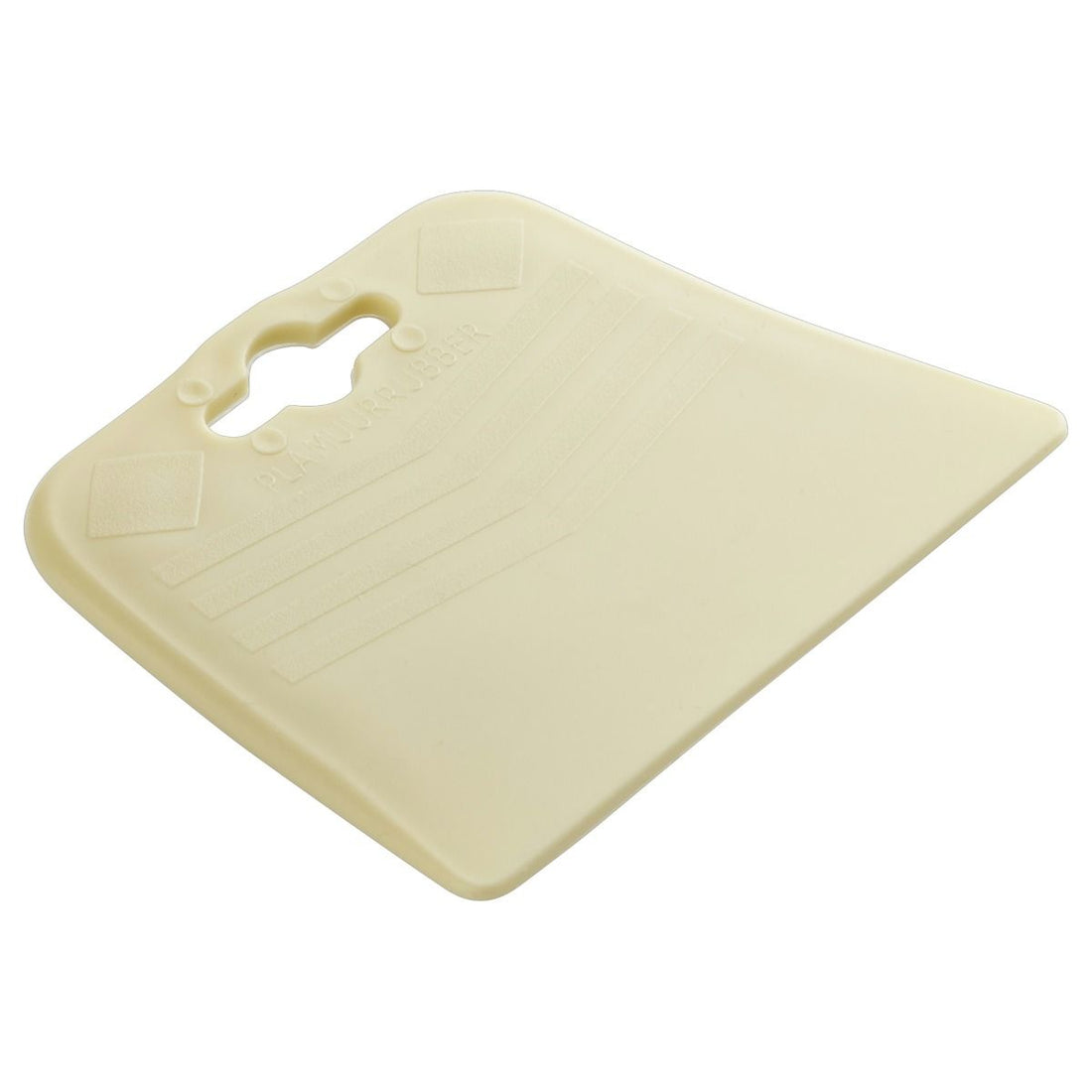

Trapezoidal rubber grout spreader
Polymer and Polymer rubber - Trapezium
Apply grout easily and accurately with this trapezoidal rubber grout spreader from Copenhagen Pro! Its flexible rubber and practical shape make it ideal for grouting smaller mosaic projects such as mirrors, flowerpots and decorative objects.
Flexible and versatile in use
The trapezoidal design offers different working edges, allowing you to easily divide grout between mosaic pieces. You can also work accurately along edges, corners and in hard-to-reach places.
In addition to mosaic grout, the rubber spatula is also suitable for applying and smoothing fillers and other suitable fillers.
Characteristics
-
Brand: Copenhagen Pro
-
Article number: 23.553.01
-
Type: Flame and filler rubber
-
Material: Flexible rubber
-
Shape: Trapezium
-
Application: Add mosaic and processing fillers
-
Maintenance: Clean with water before the material hardens
Tip: Move the rubber grout spreader diagonally across the joints to fill them properly. Remove excess grout and then clean the mosaic with a slightly damp grouting sponge, following the manufacturer’s instructions.
YOUR NEW PROJECT
WHAT ELSE DO YOU NEED?


Domande frequenti
There are several ways you can pay safely online at Mosaicshop. You can choose the following options when you go to pay for your order at check out:
- Visa
- Mastercard
- PayPal
- Bancontact / Mister Cash
- Maestro
- KBC Online / CBC Online
- Belfius
- iDeal
- Giropay
- Sofort Bankig
- Klarna
- Bank Transfer
- Apple Pay
- Google Pay
- American Express
- Union Pay
- Shop Pay
- EPS
Once your order has been placed with MosaicShop, we will immediately send an order confirmation to your email. Should you not find our email in your inbox, don't forget to check your spam or junk folder.
MosaicShop proactively keeps you informed about the progress of your order. Email updates will inform you of each stage, from preparation to when your mosaic supplies have been dispatched.
Be sure to double-check the e-mail address provided: Make sure you have entered the correct e-mail address while placing your order. Also check that there are no typing errors.
Contact our customer service if you still have not received an order confirmation after completing the above steps, please contact our customer service. Please provide your order details, including the date and time of the order, so that we can help you further.


